
How to use Google Search Console for Website
Published on April 15, 2026 at 09:37 AM
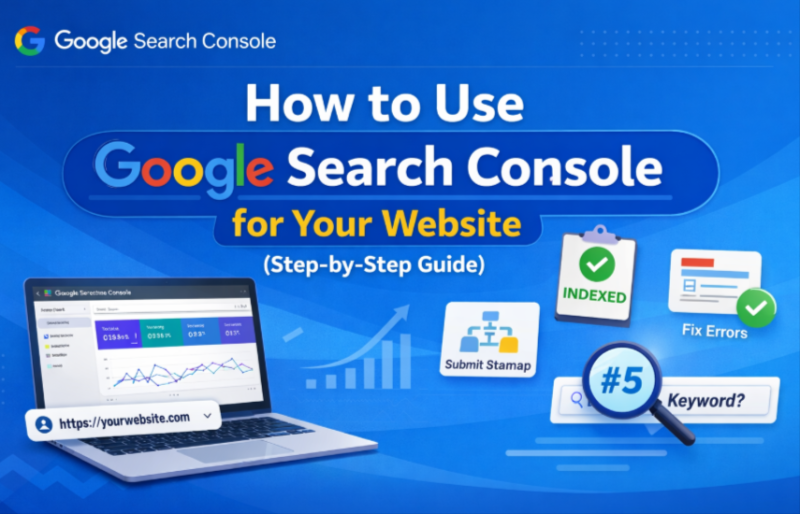
If you want your website to rank on Google, you can’t rely on guesswork. You need real data—and that’s exactly what Google Search Console provides.
Whether you're a beginner or already running a website, this tool helps you understand how your site performs on Google and what you need to improve.
Let’s break it down step by step.
What is Google Search Console?
Google Search Console (GSC) is a free tool by Google that helps you:
Monitor your website’s performance in search results
Find which keywords bring traffic
Identify indexing and technical issues
Improve SEO based on real data
👉 In simple words:
It tells you how Google sees your website.
Step 1: Add Your Website to Google Search Console
Go to Google Search Console
Click “Add Property”
Choose:
Domain (recommended)
OR URL prefix
Verify ownership using:
DNS record (best method)
HTML file upload
Google Analytics
👉 Once verified, Google starts collecting data.
📊 Step 2: Understand the Performance Report
This is the most powerful section.
You’ll see:
Clicks → How many people visited your site
Impressions → How often your site appeared
CTR (Click Through Rate)
Average Position
👉 Use this to:
Find keywords you’re already ranking for
Improve pages that are ranking on page 2 (big opportunity 🔥)
🔑 Step 3: Find High-Potential Keywords
Go to:
Performance → Queries
Look for:
Keywords with high impressions but low clicks
Keywords ranking between position 8–20
👉 These are your quick SEO wins
Optimize content → rankings improve faster
🗂️ Step 4: Submit Sitemap
A sitemap helps Google crawl your website faster.
Steps:
Go to “Sitemaps”
Enter:
yourwebsite.com/sitemap.xml
Click Submit
👉 This ensures all your pages are discovered.
🛠️ Step 5: Fix Indexing Issues
Go to:
Indexing → Pages
Check:
Pages not indexed
Errors like:
“Crawled – currently not indexed”
“Page not found (404)”
👉 Fix these issues to improve visibility.
🔗 Step 6: Check Backlinks
Go to:
Links → External Links
👉 You’ll see:
Who is linking to your site
Which pages get the most links
Backlinks = major ranking factor
⚡ Step 7: Use URL Inspection Tool
Paste any page URL and check:
Is it indexed?
Any errors?
Last crawl date
👉 You can also request indexing after updates.
📱 Step 8: Improve Mobile Usability
Google prioritizes mobile-first indexing.
Check:
Mobile usability issues
Page experience signals
👉 Fixing mobile issues = better rankings
💡 Pro Tips (Most People Don’t Use These)
✔ Update old content based on GSC data
✔ Focus on keywords with impressions but low CTR
✔ Improve titles & meta descriptions
✔ Check weekly for errors
✔ Use GSC + SEO tools together
Google Search Console is not just a tool—it’s your SEO control panel.
If you use it regularly, you can:
Increase traffic
Fix technical issues
Rank higher on Google
👉 The best part? It’s completely free.

Written by Andrew F
Please login to comment on this post.